
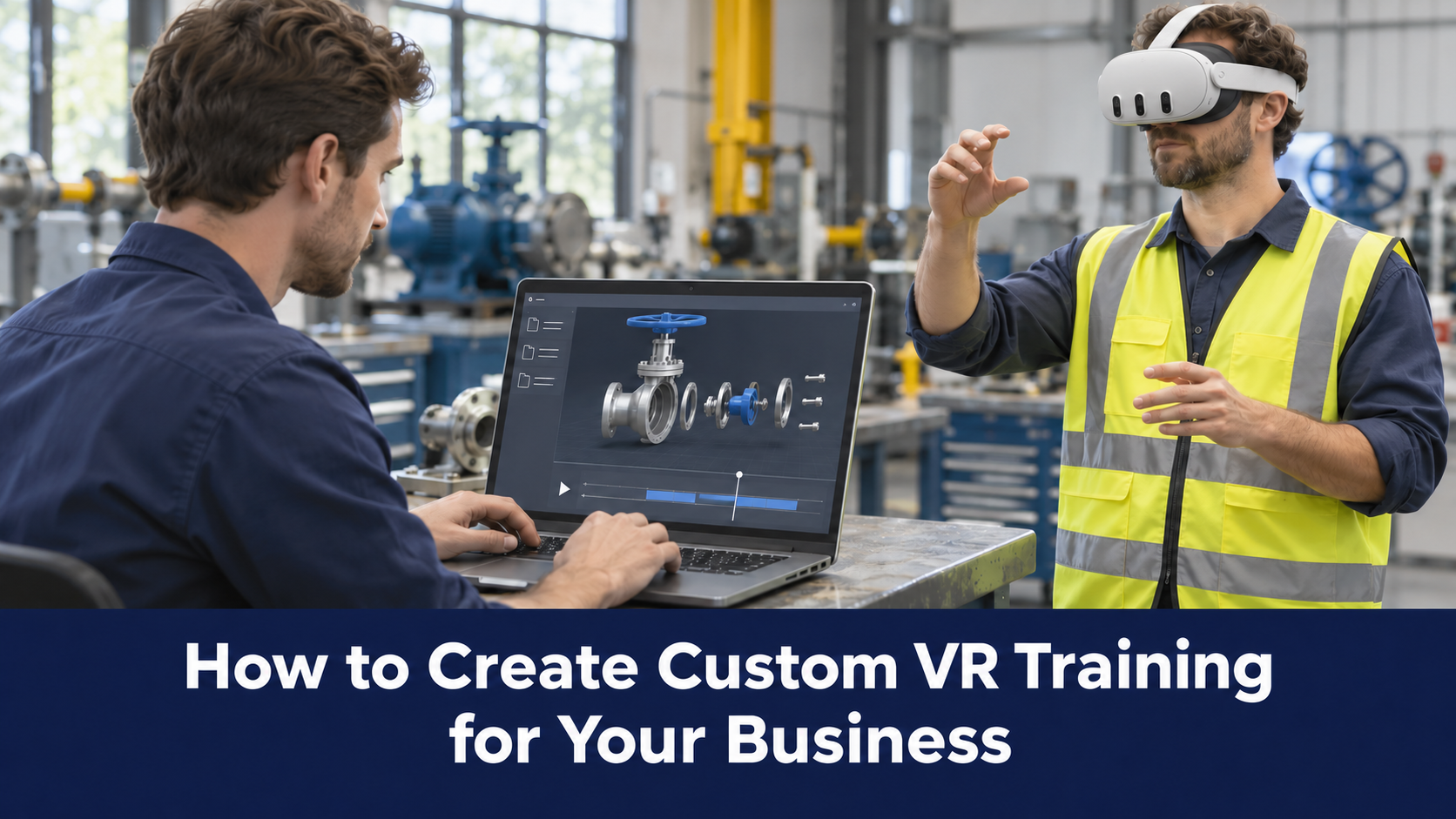
New hire joins. You pair them with your best technician, walk them through the floor, hand them documentation, and quickly show them the craft. It's how it's always been done, and it leaves a lot to chance.
VR training replaces that uncertainty with a simulation of the actual job: the real machines, the real procedures, the real environment tailored for you. Learners practice until they're ready, without any risk to people, equipment, or production. But building custom VR training isn't as simple as putting on a headset. There are tools to choose, approaches to evaluate, costs to weigh, and real decisions to make about what your organisation actually needs. This guide walks you through all of it.
What is Custom VR Training and Why it Matters
Custom VR training means training content tailored and built specifically for your organisation. Your equipment, your facilities, your standard operating procedures, your compliance requirements. It's quite different from buying an off-the-shelf VR training module off a catalogue shelf.
The distinction matters more than it might seem.
- A pre-built VR simulation of a generic factory floor won't prepare your technicians for the specific machine they'll operate on day one.
- A standard aseptic technique module won't reflect the exact protocol your pharmaceutical line follows.
- Off-the-shelf content is built to apply broadly, which means it can only go so far for any one organisation.
Pre-built content usually works best for use cases like safety protocols, GMP readiness, electrical fault simulations, etc.
Custom VR training closes that gap. When learners step into a simulation that mirrors their actual work environment with the right equipment, the right layout, the right steps, the transfer from training to job performance is dramatically stronger. That's the core argument for going custom: specificity drives relevance, and relevance drives results.
Different Approaches for Building Custom VR Training
This is where things get interesting and where a lot of organisations get tripped up. There's no single "right way" to build custom VR training. The approach you choose depends on your technical capabilities, your budget, the complexity of what you're building, and how quickly you need it.
DIY Development with Game Engines (Unity / Unreal Engine)
If you want maximum creative control and technical sophistication, building from scratch in Unity or Unreal Engine is the gold standard.
The catch? You'll need a team of experienced developers, 3D artists, and instructional designers. Development timelines are long, often six months to over a year for complex experiences, and ongoing maintenance requires the same technical expertise. This approach is best suited for organisations with substantial in-house technical capacity or those willing to invest heavily in a long-term, high-fidelity training asset.
3D Modeling Tools (Blender, Maya, etc.)
Even if you're not building the full experience in a game engine, you'll likely need 3D models of your equipment, environments, or objects. Tools like Blender (free and open source) or Autodesk Maya are used to create those assets. Skilled 3D artists can produce highly accurate digital replicas of real-world assets, which then get imported into your VR experience.
This isn't a standalone approach; it feeds into game engine development or authoring tool workflows. But the quality of your 3D models directly impacts the realism and effectiveness of the training, so it's worth investing in this step even if you're using a simpler platform for the overall experience.
No-Code and Low-Code Content Creation Tools
Not every organization has developers on staff, and that's okay. A growing category of no-code VR tools lets training managers and L&D professionals build interactive experiences using pre-built asset libraries, drag-and-drop interfaces, and templated scenarios.
These tools trade some flexibility for accessibility. You won't be building something from a blank canvas, but for many training scenarios, especially those involving standard procedures, step-by-step task guidance, or knowledge assessments, no-code tools can get you surprisingly far. The key limitation is that your content will be constrained by whatever assets and scenarios the tool includes, which may or may not match your real-world environment closely enough.
VR Authoring Tools
A step up from pure no-code tools, VR authoring platforms are purpose-built for creating immersive training content. They typically combine ease of use with meaningful customisation options, letting you import your own 3D models or photos, build branching scenarios, and add assessments and feedback.
The best authoring tools are designed with enterprise deployment in mind: they support multiple VR headset types, allow collaborative authoring across teams, and integrate with your existing L&D tech stack. This is often the sweet spot for mid-to-large enterprises that want genuinely custom content without building a full development studio internally.
Comprehensive VR Training Platforms
A comprehensive VR training platform goes beyond simply building immersive content. It connects the entire training lifecycle from converting SOPs, manuals, and existing assets into interactive simulations, to deploying those experiences across VR and AR devices, to tracking learner performance with detailed analytics. Instead of stitching together separate tools for 3D development, authoring, device management, and reporting, everything operates within a unified system designed for enterprise use.
This matters most at scale. When you’re managing hundreds of headsets across multiple facilities, updating content as procedures evolve, and ensuring consistent training outcomes across teams, operational simplicity becomes just as important as content quality. A purpose-built platform reduces friction for L&D and IT teams, shortens iteration cycles, and provides clear visibility into how training translates into performance on the floor.
That’s the model platforms like Altoura are built around combining content creation, deployment, analytics, and ongoing management into one cohesive enterprise solution.
Tools and Platforms for Creating Custom VR Training
Here are some of the leading options in each category, to give you a concrete starting point.
VR Training Platforms
Altoura is an AI-powered VR training platform built specifically for industrial and frontline workforce training. What sets it apart is how it handles the full content creation pipeline: upload your SOPs, manuals, or 3D assets, and Altoura's AI automatically transforms them into interactive simulations, step-by-step AR guides, and short video walkthroughs. The no-code Experience Builder lets L&D teams and subject matter experts build and iterate on training content without technical expertise. With browser-based authoring tools and AI-assisted workflows, it combines a plain-language request, an equipment manual, and an existing 3D asset to create a component-oriented walkthrough with animation and labels. Instead of configuring every element manually, an author can use AI to help turn a training brief into an initial experience, then review and refine the result.
On the deployment side, Altoura manages content distribution across enterprise fleets of VR and AR devices, tracks learner performance, and integrates with existing LMS and BI tools.
Uptale is a 360° VR authoring and deployment platform popular in manufacturing and industrial training. It emphasizes immersive scenario-based learning using 360° video and images, and includes solid collaboration features and LMS integration.
Strivr focuses primarily on enterprise soft skills and decision-making training through VR, with a strong emphasis on analytics and behavioral data. Well-suited for corporate environment and high-stakes interpersonal scenarios.
Motive.io is a versatile VR training platform with strong simulation capabilities, often used in healthcare, energy, and industrial settings. It supports both headset-based and desktop deployment.
VR Authoring Tools
Articulate Storyline with VR extensions is a familiar tool for many L&D professionals that has expanded into 360° and VR content creation. Great if your team already lives in the Articulate ecosystem.
Adobe Captivate similarly supports 360° VR experiences and integrates with broader Adobe workflows.
FrameVR and Wonda VR are browser-based authoring tools that lower the technical barrier even further, making them accessible for smaller teams or pilot projects.
Build It Yourself or Make It Easier with the Right Partner?
Once you’ve chosen your tools and defined your learning goals, the next decision is practical: do you build everything internally, or do you work with a partner who already does this every day?
This is how a platform like ALTOURA changes the equation.
Instead of forcing you to choose between total DIY and fully outsourced development, Altoura supports a hybrid model that makes life easier for L&D and operations teams.
Here’s how:
- Your internal team can use their own AI tools with our authoring platform to create and update everyday training content quickly via MCPs.
- When you need something more advanced, like highly realistic simulations, complex machinery, or specialized workflows, Altoura’s professional content team can step in and build bespoke, photorealistic experiences.
- Deployment, content management, and analytics are handled through a centralised platform, reducing the operational overhead of managing VR at scale. We don’t just help with the development but also the maintenance.
FAQs About Custom VR Training
1. Can we create VR training from our existing SOPs and documentation?
Yes. Existing documentation can inform the instructions, terminology, and sequence of a simulation experience. Altoura’s AI-assisted workflow uses a manual alongside an existing 3D model to create training content. Authors can review the result against the approved source and edit on the go, if required.
2. Do we need developers or a full VR team to build custom training?
Not necessarily. No-code experience builders allow L&D teams and subject matter experts to create and update immersive training without technical expertise. For more complex or high-fidelity simulations, professional content services can supplement internal efforts.
3. How do we deploy and manage VR training at enterprise scale?
At scale, device management and centralized content control become essential. Enterprise VR platforms typically support remote content updates, performance tracking, and fleet management across multiple locations, making large rollouts manageable for IT and L&D teams. Altoura provides a browser-based Trainee app for interactive 3D learning. Supported VR, AR, Android and iOS devices provide another delivery option.
4. Can VR training integrate with our existing LMS and analytics tools?
Yes. Most enterprise-ready platforms support standards like SCORM and xAPI, allowing learner performance data to sync with your LMS and business intelligence systems. This ensures VR training fits into your broader learning and reporting ecosystem.
5. Can we combine VR training with AR for on-the-job guidance?
Yes. Alotura supports both immersive VR for pre-deployment practice and AR for real-time assistance on the job. This creates a continuous learning experience from simulation to live task execution.
For the door-to-floor solution
Custom VR training isn’t just about immersive technology. It’s about preparing people for real work in a way that’s safe, practical, and repeatable. When training reflects your actual environment, equipment, and procedures, employees gain confidence before they step onto the floor. The result is faster ramp-up, fewer mistakes, and more consistent performance across teams.
The key is choosing the right approach. One that fits your learning goals, technical capacity, and scale of deployment.
If you’re exploring how to bring custom VR training into your organization, Altoura is built specifically for industrial and frontline teams. From AI-powered content creation to enterprise-scale deployment and analytics, it simplifies the entire process.
Interested in seeing how it works? Request a demo with Altoura and explore what custom VR training could look like for your workforce.
You May Also Like

VR Training + AR Task Guidance: Faster Frontline Onboarding
January 27 2026

Train in VR, Work in AR: How Enterprises Are Closing the Skills Gap
November 21 2025
Author
